 ☰
☰TZ-API Overview
This page provides a detailed overview of the steps to explore end test our APIs.
1.1 Authentication
You will be asked to create an account via the sign-up page.
https://api-developer.mytimezero.com/signup
Once this step is completed, we will receive a notification allowing us to add you to user groups with access to certain APIs.
1.2 Products
After you’ve been authenticated and authorized to access a product, you can go to the products page to subscribe to the ones you are interested in.
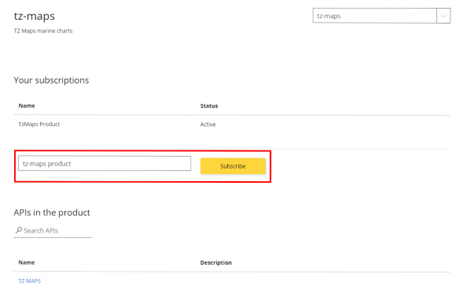
Once subscribed, proceed to a sign out / sign in, and after you will be able to test the APIs. The subscription key for each product is automatically inserted in the test form.
You can check all your subscriptions in the profile section, and retrieve your subscription keys:
https://api-developer.mytimezero.com/profile
1.3 APIs
All APIs are available in the following section.
https://api-developer.mytimezero.com/apis
There, you will find details on inputs and outputs, possible responses, links to technical documentation, and usage examples.
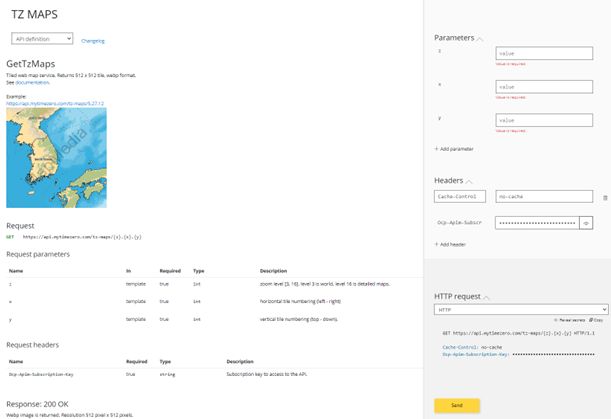
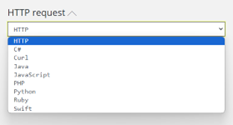
You can also test the API directly from the portal using an HTTP request, or generate code in your preferred language to use it externally.